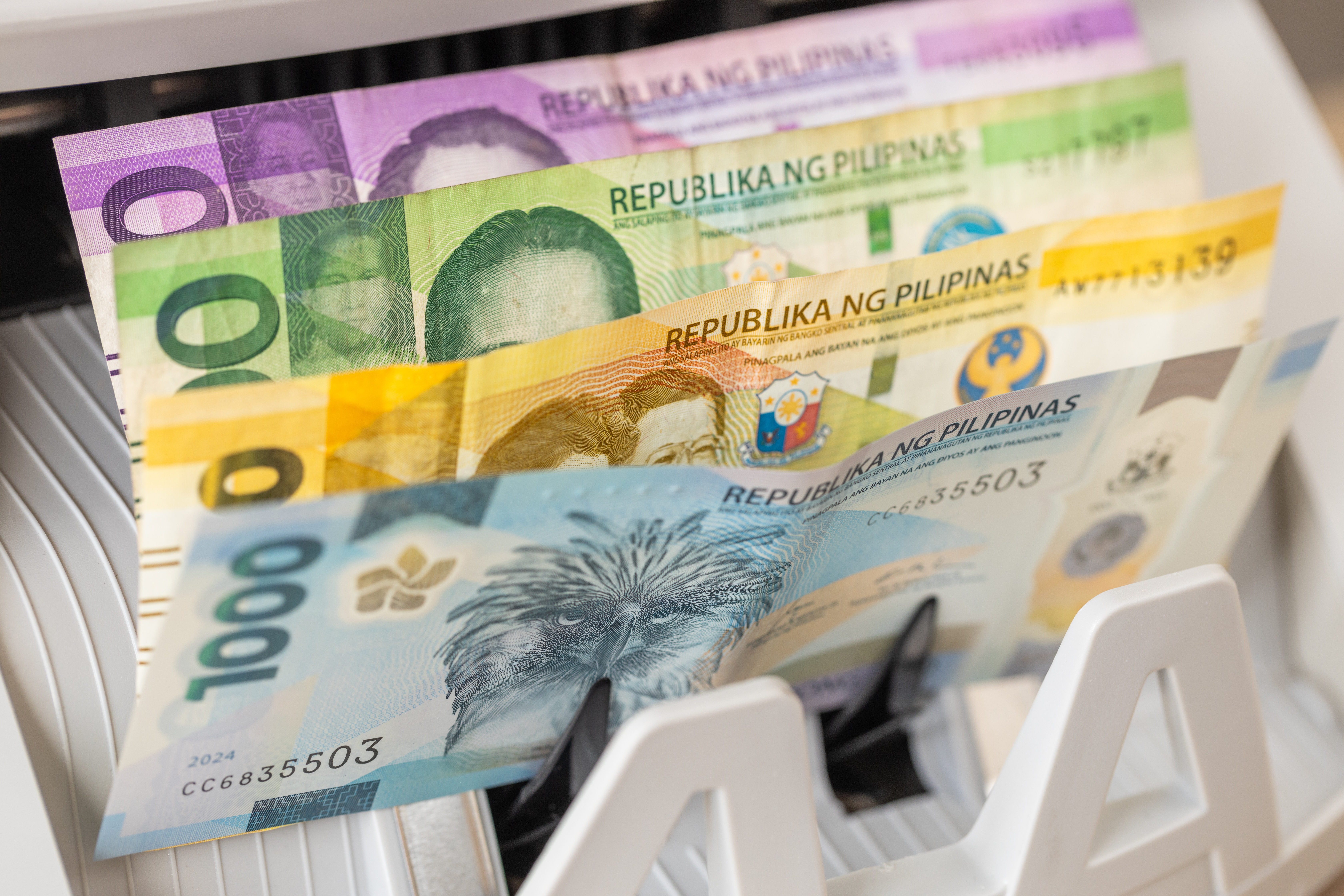
Cash pickup is one of the most popular ways to send money to the Philippines — especially for recipients who don’t have a bank account, live in areas with limited banking access, or simply prefer collecting cash in person. OrbitRemit supports cash pickup transfers to the Philippines from Australia, with over 5,000 participating payout locations nationwide.
This guide covers everything you need to know to send money for cash pickup in the Philippines with OrbitRemit.
What is cash pickup?
Cash pickup lets your recipient collect the money you send as physical cash from a local payout location — without needing a Philippine bank account or mobile wallet. Once your transfer is released, your recipient can walk into any participating branch, present their ID and reference number, and collect their cash on the spot.
OrbitRemit’s Philippines cash pickup network includes over 5,000 locations across the country — from major cities to provincial towns — making it one of the most accessible payout options available.
Before you start — what you’ll need
Before creating your transfer, collect the following details from your recipient. The name and ID details must match exactly:
| Detail required | Notes |
|---|---|
| Full name | Exactly as it appears on their valid ID — including middle names if applicable |
| Mobile number | Philippine mobile number — this is how OrbitRemit notifies them when cash is ready via SMS |
Important: Any mismatch between the name you enter and the name on your recipient’s ID can cause delays in collection. Include middle names if they appear on the ID.
Accepted IDs for cash pickup in the Philippines
Your recipient must present a valid ID when collecting their cash. Accepted IDs include:
- Passport
- Driver’s licence
- PRC ID (Professional Regulation Commission)
- NBI Clearance
- Police Clearance
- Postal ID
- Voter’s ID
- Barangay Certification
- GSIS e-Card
- SSS Card
- Senior Citizen Card
- OWWA ID / OFW ID
- Seaman’s Book
- ACR / ICR (Alien Certificate of Registration)
- Government or GOCC ID (e.g. AFP, HDMF)
- NCWDP Certification
- DSWD Certification
- Integrated Bar of the Philippines ID
- Company ID from BSP/SEC/Insurance Commission-regulated entities
- Student ID signed by school principal or head
This is one of the broadest accepted ID lists of any cash pickup provider — most Filipinos will have at least one qualifying document readily available.
Source: support.orbitremit.com — Pay a person in the Philippines for cash pickup
Step-by-step: how to send money for cash pickup in the Philippines
-
Log in and start a transfer
Log in to your OrbitRemit account at orbitremit.com or open the OrbitRemit app. If this is your first transfer, create a free account and complete identity verification.
Select PHP (Philippine Peso) as the receiving currency and enter the amount you want to send in AUD.
-
Create a cash pickup recipient
Click New Recipient and select “A person who will collect funds” as the recipient type.
Note: If you have previously sent money to this person’s bank account or GCash wallet, you still need to create a new recipient for cash pickup. Cash pickup recipients are stored separately from bank deposit and mobile wallet recipients.
Enter your recipient’s full name (exactly as on their ID, including middle names) and their Philippine mobile number.
-
Pay for your transfer
Complete your transfer and proceed to payment. Pay as soon as possible — OrbitRemit will not release the transfer for cash collection until payment is received.
Payment methods from Australia:
– Debit card, Apple Pay, Google Pay: Fastest
– PayID: A few minutes
– Bank transfer: Same business day -
Your recipient collects the cash
Once OrbitRemit receives your payment, the transfer is released for collection. Your recipient will receive an SMS notification on their Philippine mobile number with their transfer reference number and instructions on where to collect.
Your recipient can collect their cash at any of OrbitRemit’s 5,000+ participating payout locations across the Philippines. They must bring:
– Their transfer reference number (format: ORB1234567 — shown in your OrbitRemit account after the transfer is created, and sent by SMS to your recipient)
– A valid ID from the accepted list aboveNote: Credit cards are not accepted for funding transfers. Payment is via debit card, Apple Pay, Google Pay, PayID or bank transfer only.
Fees
Cash pickup transfers to the Philippines from Australia cost a flat AUD 4 per transfer — the same fee as bank deposit transfers.
Transfers of AUD 10,000 or more are completely fee-free.
The fee and exchange rate are shown upfront before you confirm. There are no deductions at the receiving end — your recipient collects the full PHP amount shown at the time you confirmed.
New customers: First transfer is free with a promotional exchange rate (applies to the first AUD 500; terms apply).
Check the current rate at orbitremit.com/philippines
Transfer speed
Cash pickup transfers are typically available for collection within 1 hour once OrbitRemit receives your payment — and often sooner when paying by debit card, Apple Pay or Google Pay. Transfers paid by bank transfer may take up to a few hours.
Transfer limits
| Limit | Details |
|---|---|
| Standard cash pickup | Up to PHP 250,000 per transfer |
| Metrobank (over PHP 250,000) | Additional information required for AML compliance — OrbitRemit and/or Metrobank will contact you |
Transfer status: what to expect
Track your transfer in real time by logging into your OrbitRemit account and selecting Transfers. For a Philippines cash pickup transfer:
- Awaiting payment: Transfer created. Pay now to proceed.
- Processing funds: Payment received. Transfer being processed.
- Awaiting collection: Cash is ready for your recipient to collect. SMS sent to their mobile number.
- Paid: Cash has been collected. Transfer complete.
For a full guide to all OrbitRemit transfer statuses, see: What does my OrbitRemit transfer status mean?
FAQs (frequently asked questions)
Does my recipient need a bank account for cash pickup?
No. Cash pickup is designed for recipients who don’t have a bank account or mobile wallet, or who prefer to collect cash in person. Your recipient only needs a valid ID and the transfer reference number.
How many cash pickup locations does OrbitRemit have in the Philippines?
OrbitRemit has over 5,000 participating payout locations across the Philippines — from Metro Manila to provincial cities and towns.
How long does cash pickup take in the Philippines?
Cash is typically available for collection within 1 hour of OrbitRemit receiving your payment — often sooner with debit card, Apple Pay or Google Pay. Bank transfers may take up to a few hours.
What name should I use for my recipient?
Use the exact name as it appears on their ID — including middle names if applicable. Any mismatch between the name entered and the name on their ID can delay collection.
Can I use the same recipient I use for bank transfers or GCash?
No. Cash pickup recipients are stored separately. Even if you have previously sent to this person’s bank account or GCash wallet, you need to create a new recipient and select “A person who will collect funds.”
How does my recipient know when to collect?
OrbitRemit sends an SMS to your recipient’s Philippine mobile number when the transfer is released for collection. The SMS includes the transfer reference number and collection instructions. Make sure you enter their mobile number correctly.
What ID does my recipient need?
Any valid government-issued ID from the accepted list above. This includes passport, driver’s licence, SSS card, voter’s ID, PRC ID and many others. See the full list in this guide.
Is there a maximum amount for cash pickup?
Standard cash pickup supports transfers up to PHP 250,000. For transfers over PHP 250,000 at Metrobank, additional AML documentation may be required.
How much does cash pickup cost from Australia?
A flat AUD 4 fee per transfer — the same as bank deposit. Transfers of AUD 10,000 or more are fee-free.
Can I also send to GCash or a bank account with OrbitRemit?
Yes. In addition to cash pickup, OrbitRemit supports bank deposit to major Philippine banks and mobile wallet delivery to GCash, Maya, GrabPay and Coins.ph. See orbitremit.com/philippines for all options.
Also available: other ways to send money to the Philippines
OrbitRemit supports multiple delivery options for the Philippines from Australia:
- GCash: Fee-free from AUD. Funds typically arrive within minutes.
- Maya (PayMaya), GrabPay, Coins.ph: Mobile wallet delivery
- Bank deposit: AUD 4 flat fee. Major Philippine banks supported.
Send money to the Philippines with OrbitRemit
OrbitRemit has been helping Australians send money to the Philippines since 2008. With 5,000+ cash pickup locations, fee-free GCash transfers, and a flat AUD 4 fee on cash pickup and bank deposit, OrbitRemit offers the most complete Philippines transfer service from Australia.
- 5,000+ cash pickup locations across the Philippines
- AUD 4 flat fee (fee-free above AUD 10,000)
- Cash typically available within 1–2 hours
- No deduction at the receiving end
- Regulated by ASIC in Australia (AFSL: 470646)
- Rated Excellent on Trustpilot from over 34,000 reviews
This guide is based on OrbitRemit’s current support documentation. Fees, transfer limits and processes are subject to change. For the most current information visit orbitremit.com/philippines and support.orbitremit.com. Last updated June 2026.
Sources: support.orbitremit.com — Pay a person in the Philippines for cash pickup | orbitremit.com/philippines


