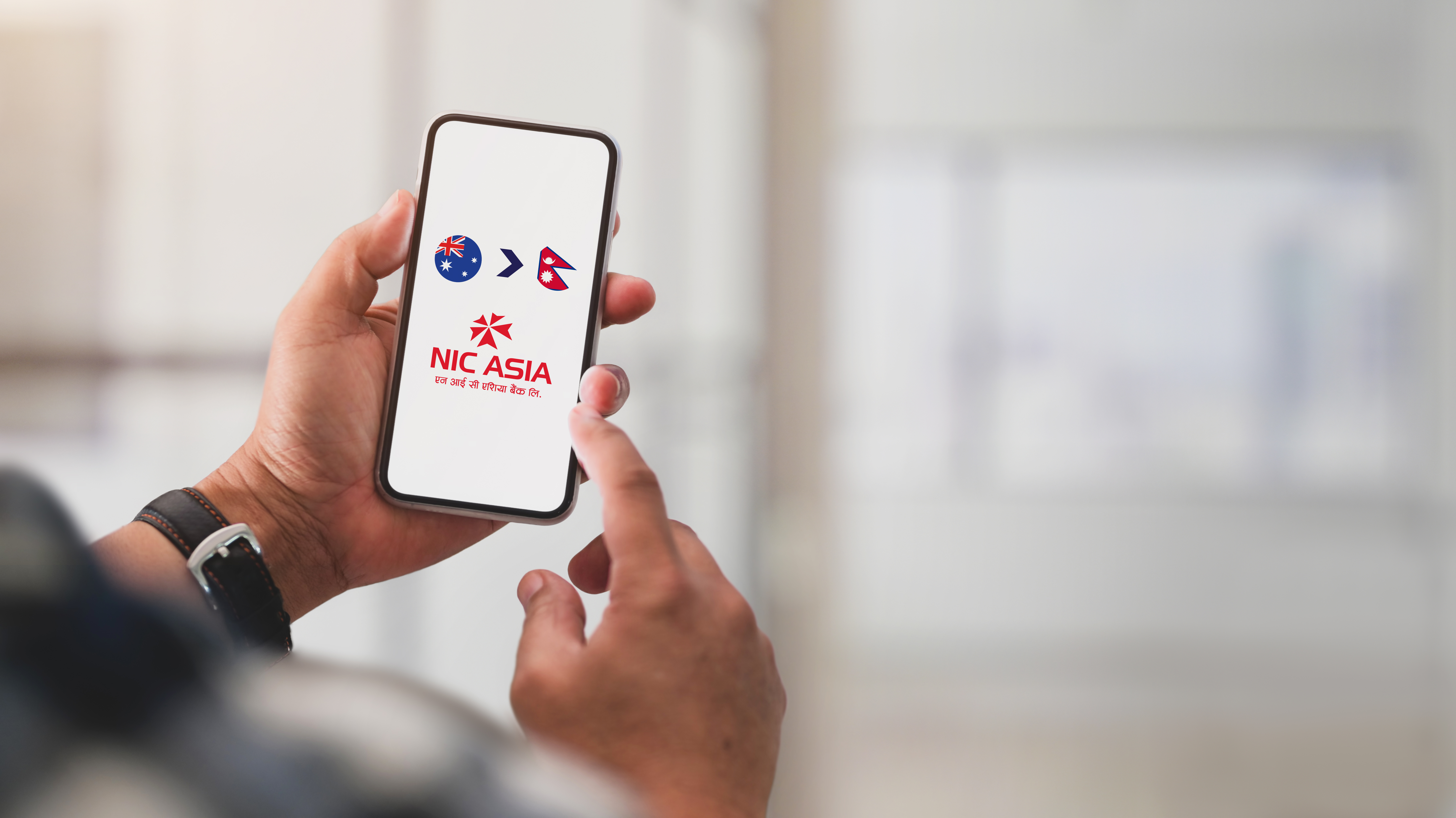
Need to send money to someone in Nepal who doesn’t have a bank account — or who prefers to collect cash in person? OrbitRemit lets you send money directly to Nepal for cash pickup at any branch of NIC Asia Bank. No Nepali bank account required.
This step-by-step guide covers everything you need to know to send a cash pickup transfer to Nepal with OrbitRemit.
What is a Cash Pickup transfer?
A cash pickup transfer lets your recipient collect the money you send as physical cash from a bank branch — instead of having it deposited into a bank account. This is useful for:
- Recipients who don’t have a Nepali bank account
- Sending to family members who prefer collecting cash in person
- Situations where the recipient needs physical cash quickly
OrbitRemit’s Nepal cash pickup service works through NIC Asia Bank, which has branches across Nepal.
Before you start — what you’ll need
Before creating your transfer, collect the following details from your recipient. You’ll need all of these to complete the transfer:
| Detail required | Notes |
|---|---|
| Full name | Must match exactly as shown on their government-issued ID |
| Residential address | Current Nepali address |
| Email address | For transfer notifications |
| Contact number | Must be a Nepali number — NIC Asia Bank will use this to notify your recipient when the cash is ready |
Important: Make sure the contact number you enter is correct. NIC Asia Bank will contact your recipient directly on this number when the cash is ready for collection.
Step-by-Step: How to Send a Cash Pickup Transfer to Nepal
-
Create an account or log in
Log in to your OrbitRemit account at orbitremit.com. If this is your first transfer with OrbitRemit, you’ll need to create an account and complete identity verification first.
Once logged in, select Nepal as the destination country and enter the amount you want to send.
-
Create a cash pickup recipient
When adding your recipient, select “A person who will collect funds” as the recipient type.
Note: If you have previously sent money to this person’s bank account, you still need to create a new recipient for cash pickup. Bank deposit and cash pickup recipients are stored separately in OrbitRemit — you cannot reuse a bank deposit recipient for a cash pickup transfer.
Enter all of your recipient’s details as listed in the section above. -
Pay for your transfer
Once your transfer is created, proceed to payment and pay as soon as possible.
Why this matters: OrbitRemit will not release the transfer for collection until your payment has been received. The faster you pay, the sooner your recipient can collect their cash.
For a full guide to payment methods available in Australia and New Zealand, visit How to pay for your transfer.
-
Your recipient collects the cash
Once OrbitRemit receives your payment, the transfer is released for collection at any NIC Asia Bank branch in Nepal. NIC Asia Bank will contact your recipient directly on the Nepali contact number you provided.
What your recipient needs to bring to collect
Your recipient must bring the following to any NIC Asia Bank branch to collect their cash:
| Requirement | Details |
|---|---|
| Transfer reference number | For example, ORB1234567. Shown in your OrbitRemit account after the transfer is created. Your recipient must present this to collect. |
| Photo ID — one form required | Any valid government-issued ID document |
Make sure your recipient has both their reference number and a valid photo ID before visiting the branch.
Cash pickup limit
There is a maximum collection amount per transfer for Nepal cash pickup:
| Collection point | Maximum per transfer |
|---|---|
| NIC Asia Bank branches | NPR 100,000 |
If you need to send more than NPR 100,000, consider sending a bank transfer directly to your recipient’s Nepali bank account instead. See orbitremit.com/nepal for bank deposit options.
Where to Collect — NIC Asia Bank
All OrbitRemit cash pickup transfers to Nepal are collected at NIC Asia Bank branches. NIC Asia Bank has a wide branch network across Nepal.
To find the nearest NIC Asia Bank branch, your recipient can:
- Visit nicasiabank.com to find a branch location
- Ask locally — NIC Asia Bank branches are present in major cities and districts across Nepal
Fees
OrbitRemit’s standard fees apply to all Nepal cash pickup transfers. To see the current fee and exchange rate for your transfer, use the calculator at orbitremit.com/nepal. All fees are shown upfront before you confirm.
Transfer status — What to expect
Once you’ve sent your transfer, you can track it in real time by logging into your OrbitRemit account and selecting Transfers.
For a cash pickup transfer to Nepal, here’s what each status means:
- Awaiting Payment — Your transfer has been created. Pay now to proceed.
- Processing Funds — OrbitRemit has received your payment and is processing the transfer.
- Awaiting Collection — The funds are ready for your recipient to collect at NIC Asia Bank. NIC Asia Bank will contact your recipient directly.
- Paid — Your recipient has collected the cash. Transfer complete.
For a full guide to all OrbitRemit transfer statuses, see: What does my OrbitRemit transfer status mean?
FAQS (Frequently Asked Questions)
Does my recipient need a Nepali bank account to receive the cash?
No. Cash pickup transfers are designed specifically for recipients without a bank account, or who prefer to collect cash in person. Your recipient just needs to visit any NIC Asia Bank branch with their transfer reference number and a valid government-issued photo ID.
How long does a cash pickup transfer to Nepal take?
Once OrbitRemit receives your payment, the transfer is released for collection. For the fastest processing, pay immediately after creating your transfer on a weekday. Transfers paid on weekends or after bank cut-off times may take longer to process.
Where can my recipient collect the cash?
At any NIC Asia Bank branch in Nepal. Your recipient can find their nearest branch at nicasiabank.com.
What is the maximum amount my recipient can collect?
The maximum per cash pickup transfer at NIC Asia Bank is NPR 100,000. If you need to send more, consider a bank deposit transfer to your recipient’s account instead.
What reference number does my recipient need?
The transfer reference number (for example, ORB1234567) is shown in your OrbitRemit account after the transfer is created. NIC Asia Bank will also contact your recipient directly when the cash is ready.
What ID does my recipient need to bring?
One form of valid government-issued photo ID is required. Any valid government-issued ID document is accepted.
Can I use the same recipient I use for bank transfers?
No. If you have previously sent money to this recipient’s bank account, you need to create a new recipient for cash pickup. Select “A person who will collect funds” when adding the recipient. Bank deposit and cash pickup recipients are stored separately.
What if my recipient hasn’t been contacted by NIC Asia Bank?
Check that you entered the correct Nepali contact number when creating the transfer. If the number is incorrect, contact OrbitRemit support at [email protected] or raise a support ticket.
Also available: Cash pickup in the Philippines and Vietnam
OrbitRemit also supports cash pickup transfers to:
- Philippines — 5,000+ cash pickup locations
- Vietnam — cash pickup via Vikki Digital Bank
For guides to these corridors, see:
Send money to Nepal with OrbitRemit
OrbitRemit has been helping Australians and New Zealanders send money to Nepal since 2008. Whether your recipient has a bank account or prefers to collect cash in person, OrbitRemit makes it simple.
- Cash pickup at any NIC Asia Bank branch — no Nepali bank account needed
- Bank deposit also available to major Nepali banks
- Flat fees shown upfront before you confirm
- Regulated by ASIC in Australia (AFSL: 470646) | DIA-supervised in New Zealand (FSP7721)
- Rated Excellent on Trustpilot — 4.8/5 from over 33,000 reviews
This guide is based on OrbitRemit’s official support documentation. Transfer processes, fees, cash pickup limits and partner banks are subject to change. For the most current information visit support.orbitremit.com. Last updated May 2026.
Sources: support.orbitremit.com — Nepal cash pickup | support.orbitremit.com — Transfer statuses


